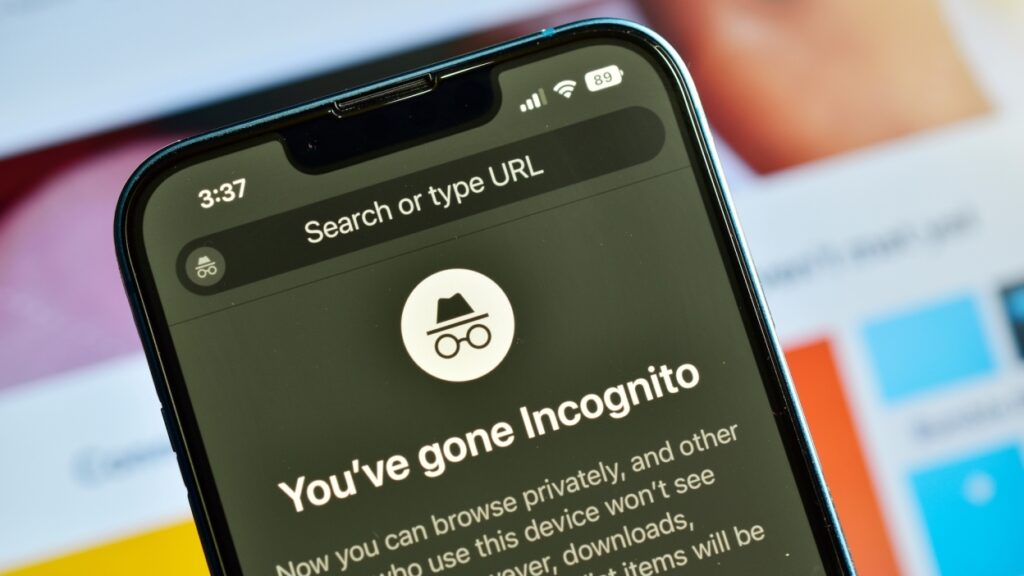
Many people open an Incognito or Private Browsing window and instantly feel hidden. The darker color scheme, the reassuring icons, and the message that nothing will be saved all create the impression that the session is invisible to everyone.
Cybersecurity experts say that impression is misleading. Incognito Mode was never designed to hide you from websites, employers, or your internet provider. It only prevents local data from being stored on your device.
What Incognito actually protects
Incognito Mode keeps your browsing history, cookies, autofill data, and form entries from being stored once you close the window. This is helpful in homes where multiple people share a device or when you want to prevent someone from seeing your search queries later.
That is the full extent of the privacy it provides. The feature was designed to clean up after itself. It was not designed to mask your online identity.
What Incognito does not protect
Experts say websites can still see a significant amount of information about you, even in a private session. This includes your IP address, your device type, your browser version, and many technical details that contribute to browser fingerprinting. These fingerprints can be used to identify returning users even without cookies.
Your employer or school can still see your browsing activity on their networks. Your internet provider maintains visibility into the sites you visit. Any accounts you log into during a private session behave exactly the same as a normal window and can still tie activity directly back to you.
Incognito Mode blocks some third party cookies but this provides very limited protection and is not enough to stop common tracking methods.
Why the myth persists
Most major browsers use names like Incognito, InPrivate, or Private Browsing. These labels imply anonymity even though the feature offers none. The dark window design reinforces that impression by making the session feel like a separate layer of the internet.
Researchers say the user interface creates an expectation that the feature is doing far more than it actually is, which has led to confusion and even legal challenges over how private these modes really are.
What stronger privacy looks like
Experts recommend switching to privacy first browsers such as Brave or DuckDuckGo. These browsers block trackers aggressively and sometimes mask IP addresses by default. For deeper anonymity, a VPN can prevent sites and providers from seeing your true location and identity.
These tools come with tradeoffs. VPNs can slow down connections and some websites restrict VPN traffic entirely. Privacy oriented browsers can also break certain features on some websites.
Even with those limitations, they provide significantly more protection than Incognito Mode, which only hides your local history and nothing else.
Private windows are still useful for device cleanup and quick searches you do not want stored locally. They are not a substitute for meaningful privacy tools and should not be treated as such.
Related Cybersecurity Stories on Laterstack:
Massive leak exposes Chinese hacking contractor and global targets
Cybersecurity firm Deepwatch lays off staff as AI reshapes the industry
Mark Laterstack as a preferred source and our reporting shows up higher in your Google results.